Mobile app
PocketFiler
Contracts, clients and projects, all in one app.
- Product
- Client and contract management app
- Platform
- Mobile, 430 x 932 frames
- Deliverables
- 38 screens, user flows, UI components
- Flows
- Contracts, clients, projects, disputes
Overview
Contracts, clients and projects, in one pocket.
PocketFiler is a client and contract app that keeps your work organized and professional in a couple of clicks.
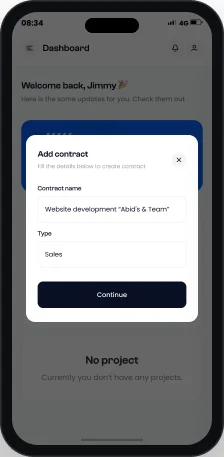
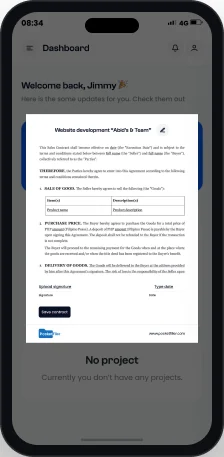
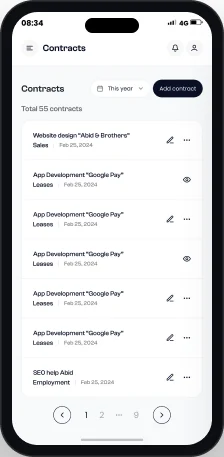
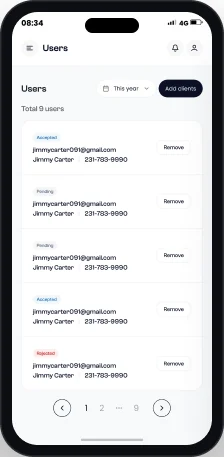
I designed the whole mobile app, from sign up to contracts, clients, projects, subscriptions, help center and profile.
The challenge
Lots of paperwork, small screen.
- 01People write, sign and share contracts on a phone.
- 02Clients, projects and payments each have their own lists.
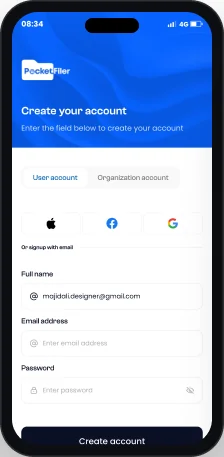
- 03Sign up serves users and organizations.
The approach
One calm layout, a card per action.
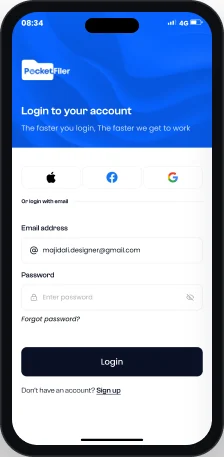
- 01A blue header frames sign up, then the app turns white and clean.
- 02Actions open as cards over a dimmed screen.
- 03Labels like Completed, In-Progress, Accepted, Pending and Rejected make lists easy to scan.
User flow
Eleven screens, two journeys.
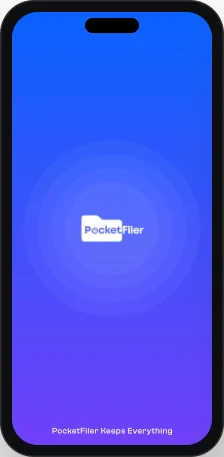
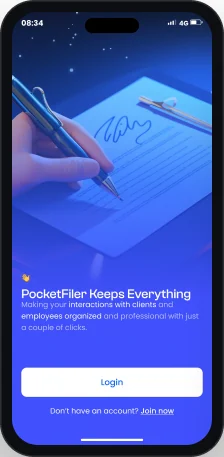
Five steps to get in, then the dashboard.
Getting in
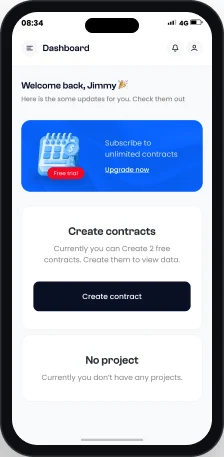
Everyday use
Key screen
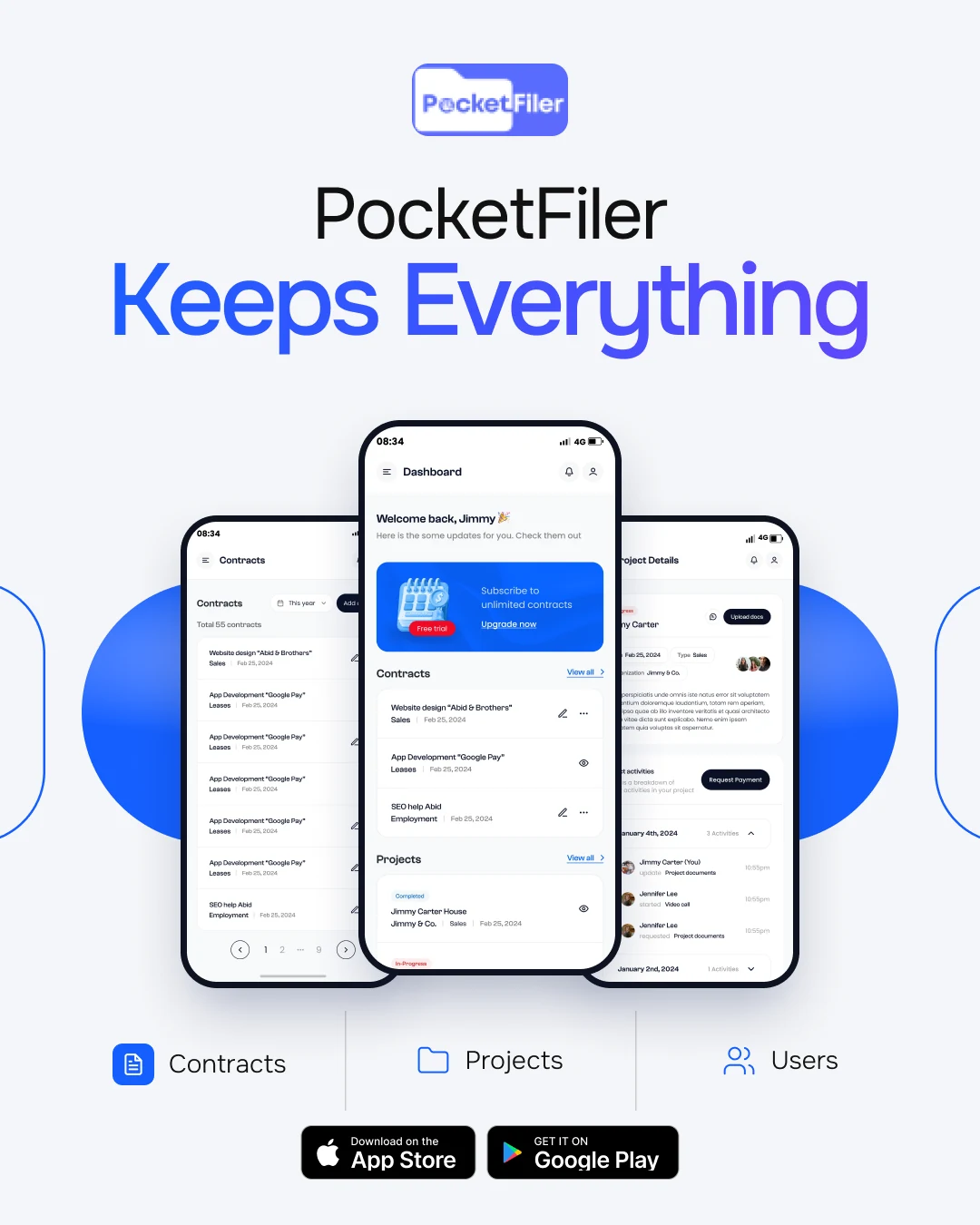
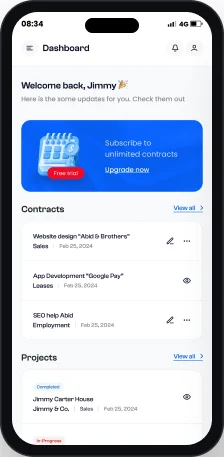
Dashboard.
A welcome, an upgrade prompt, then recent work.
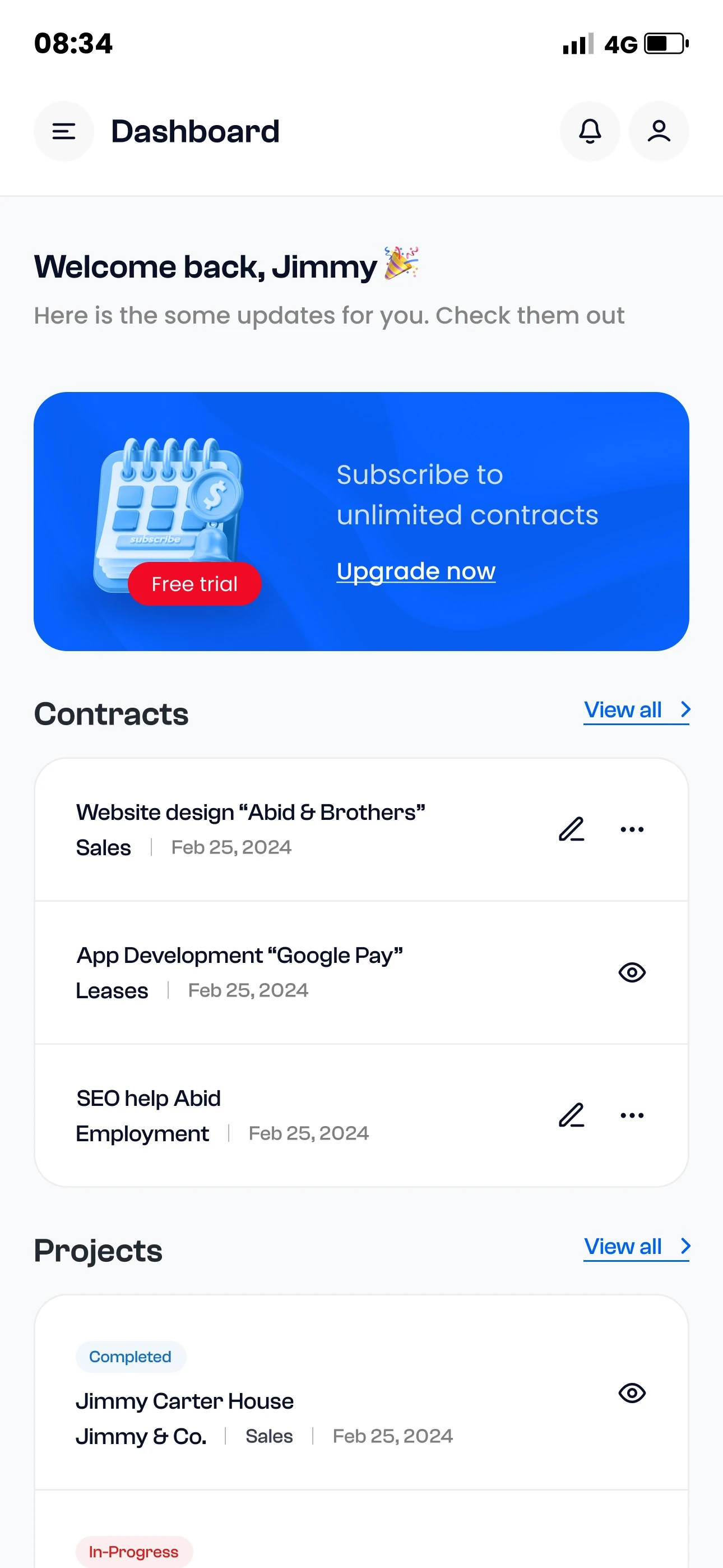
- 1Header actions
Menu, title, notifications and profile in one row.
- 2Upgrade banner
A blue Free trial card asks users to subscribe.
- 3Contracts at a glance
Contracts show a type, like Sales, Leases or Employment.
- 4Quick actions
Each row has edit, view and more actions.
- 5Project status
Projects show Completed or In-Progress.
Key screen
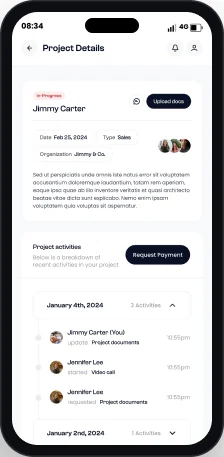
Project details.
Everything about one project, from documents to payment.
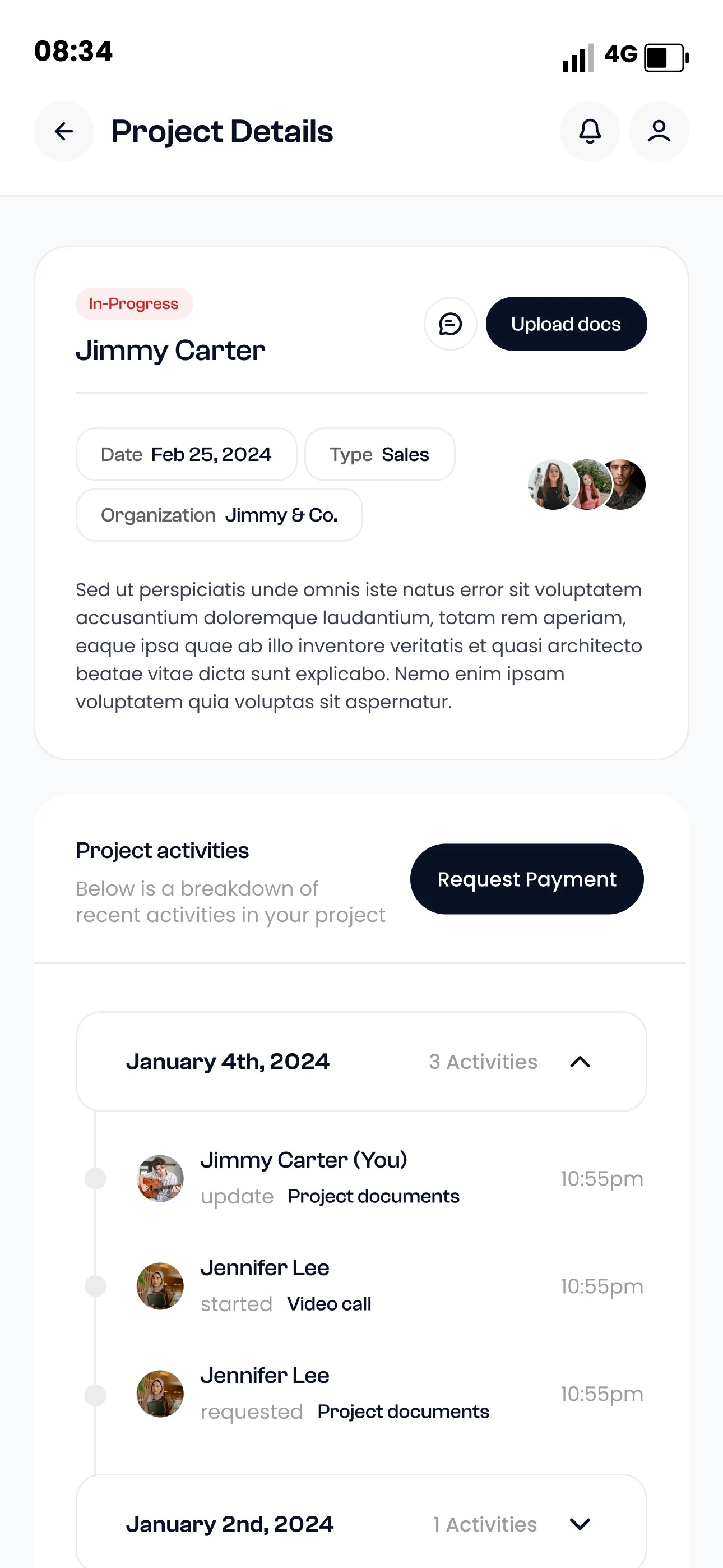
- 1Status and client
An In-Progress label sits above the client name.
- 2Upload docs
Add documents from the project header.
- 3Project details
Small chips show date, type and organization.
- 4Request payment
Payment is one button away.
- 5Activity timeline
Updates are grouped by day, with who and when.
Visual language
Ink and a confident blue.
Ink for text, blue for brand and links, red for alerts.
- Ink
#0A1126 - Royal Blue
#0962FF - Ocean Blue
#166FBF - Alert Red
#D32121 - Grey
#858585 - Mist
#F8F9FB - White
#FFFFFF
Typography
Display

Clash Grotesk Variable
Clash Grotesk for titles, labels and list items, from Extralight to Semibold.
- Extralight
- Regular
- Medium
- Semibold
Text
Aa
Poppins
Poppins for body copy, inputs and buttons.
- Regular
- Medium
- Bold
Deliverables
What I delivered.
- User flow
- Login and sign up
- Dashboard
- Contract creation and signing
- Client management
- Projects
- Subscriptions
- Help center and disputes
- Profile
- Style guide and components
Want this kind of clarity for your mobile app?
Book a free 30 minute call. You leave with 3 written fixes, even if we don’t work together.
 Nafees ZulfiqarUsually replies within an hour
5.0 from 33 Upwork reviewsTop Rated